App Banner

- FEATURES -

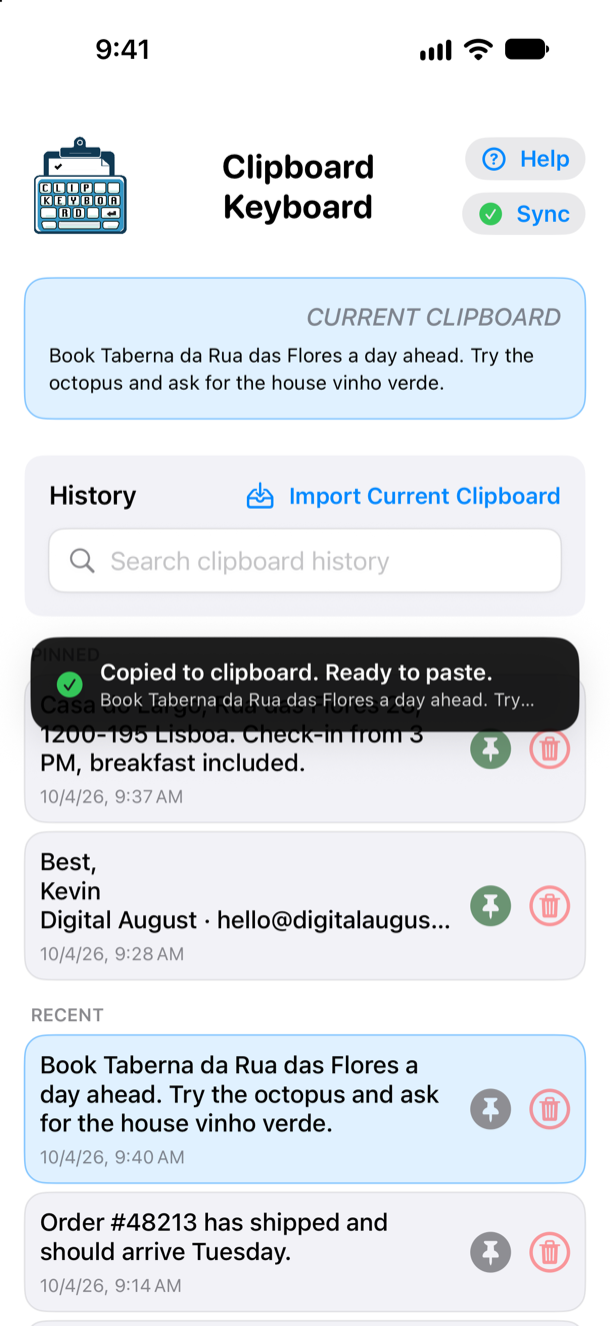
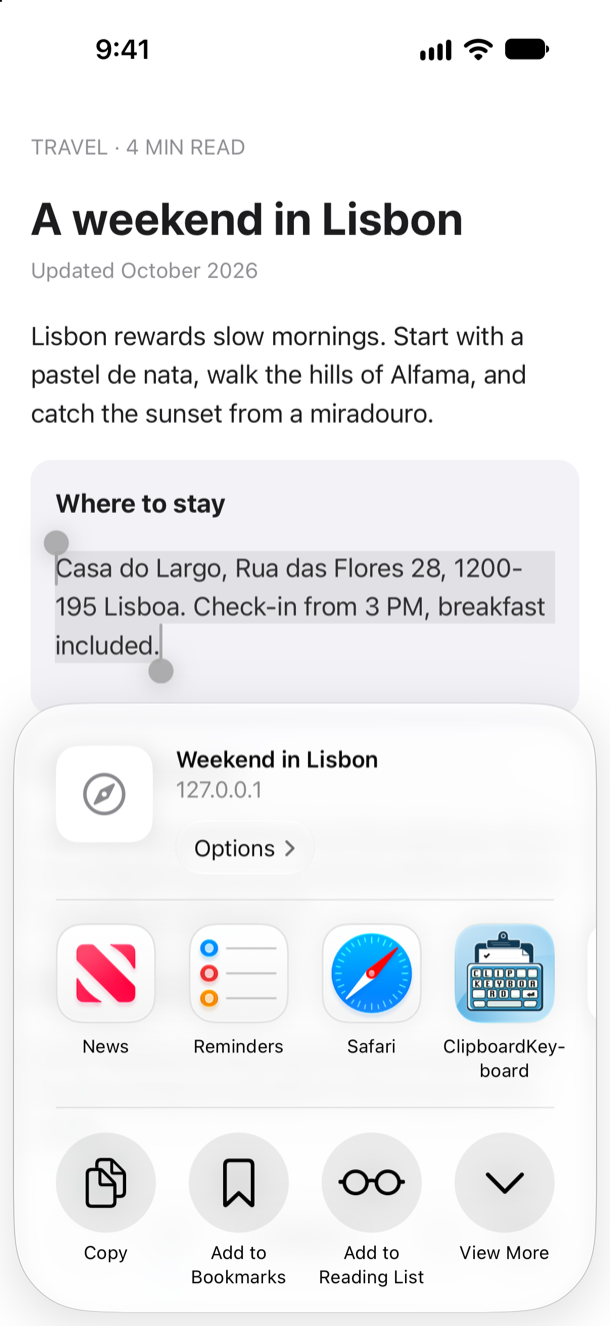
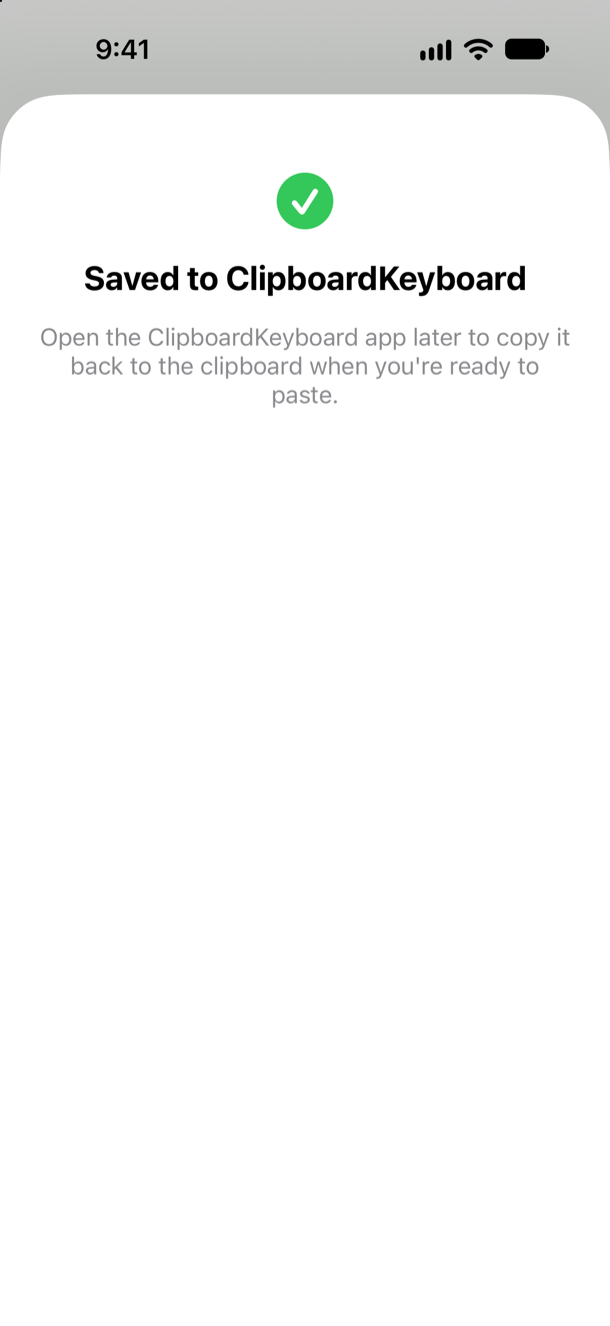
Share Sheet Integration

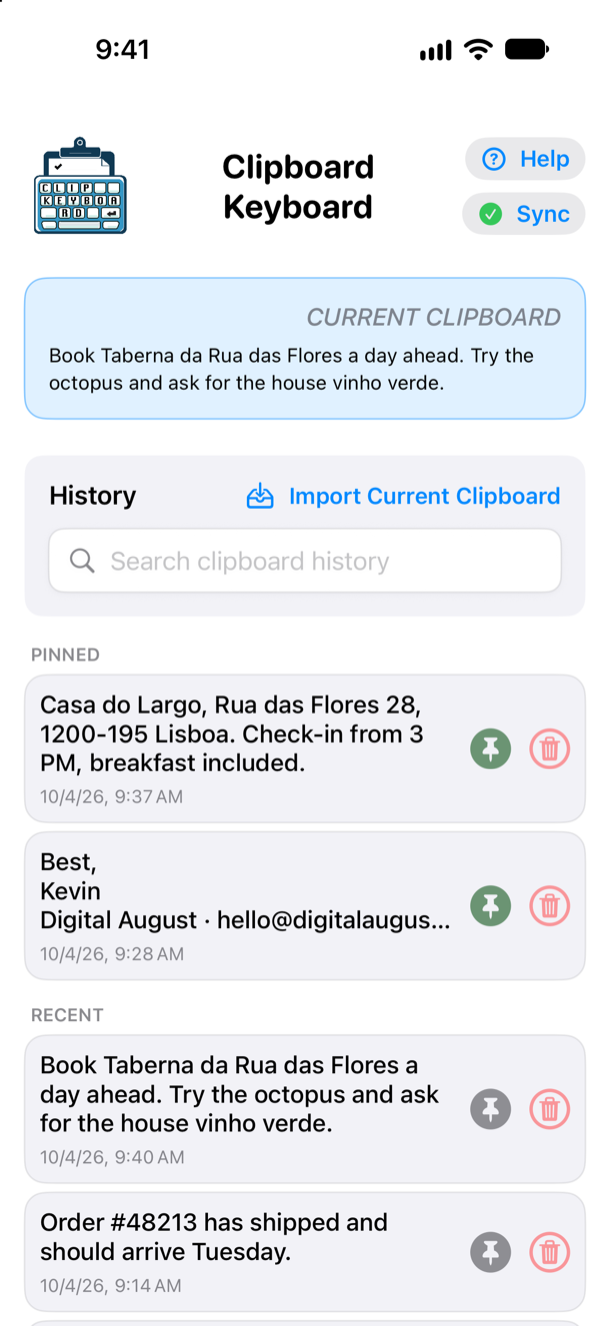
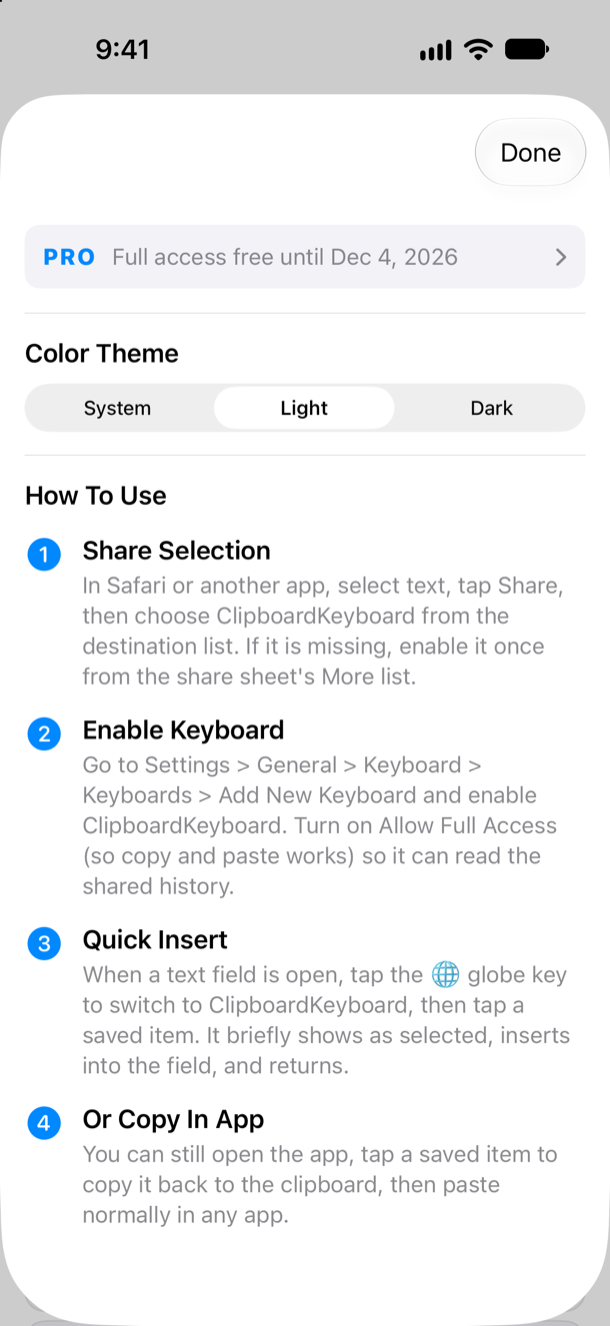
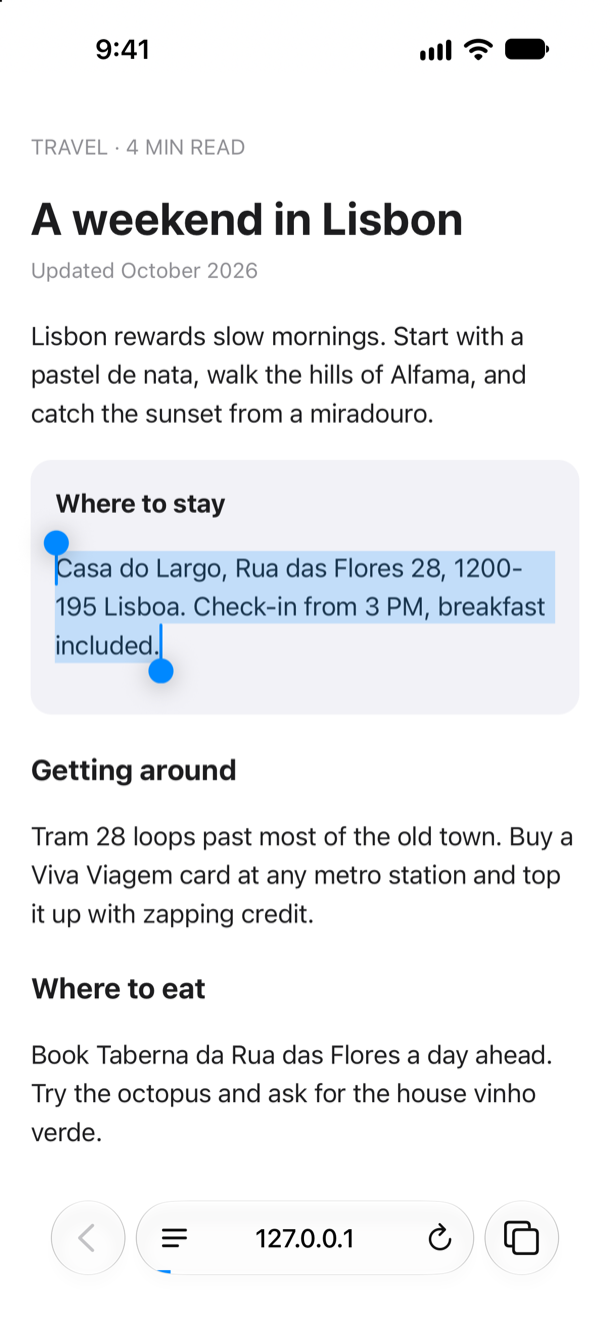
Save text from Safari and other apps via the Share Sheet.

Instant Paste

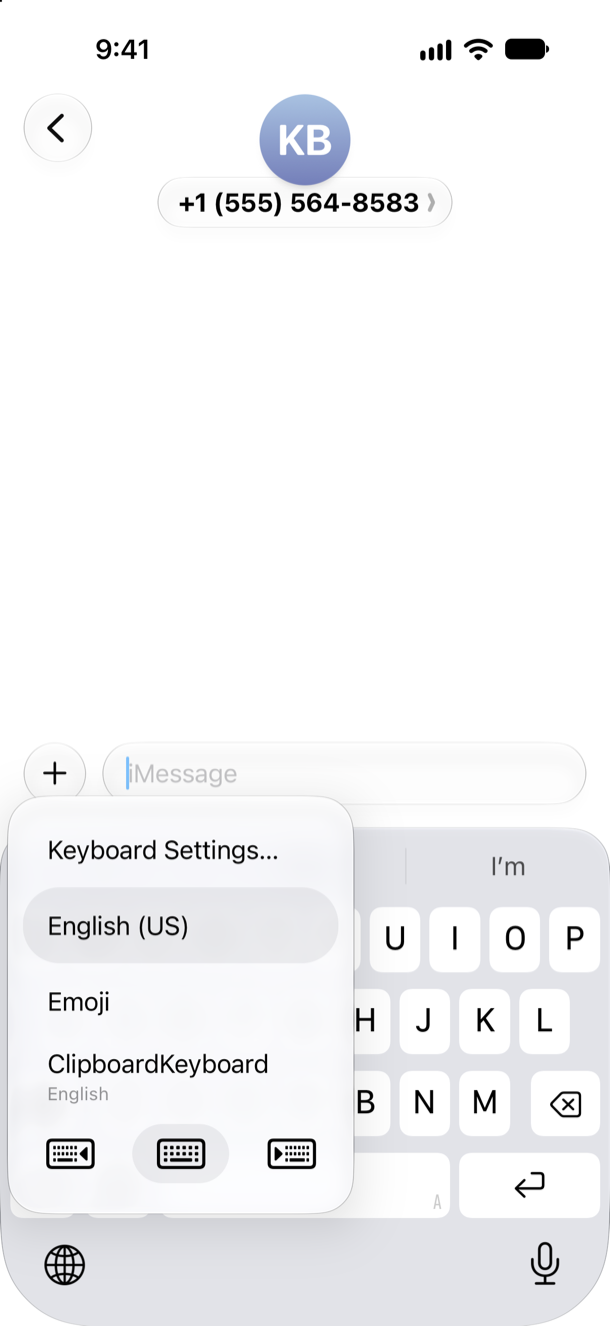
Paste instantly from the ClipboardKeyboard custom keyboard.

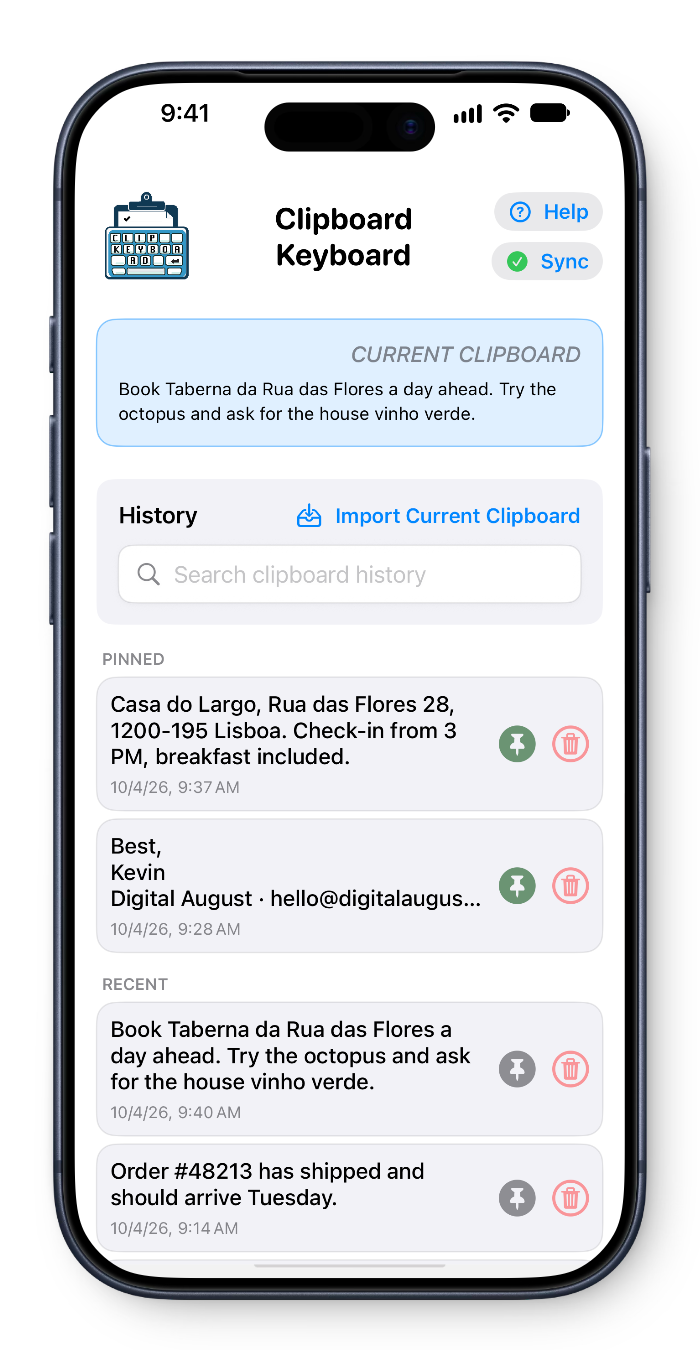
Pin & Search

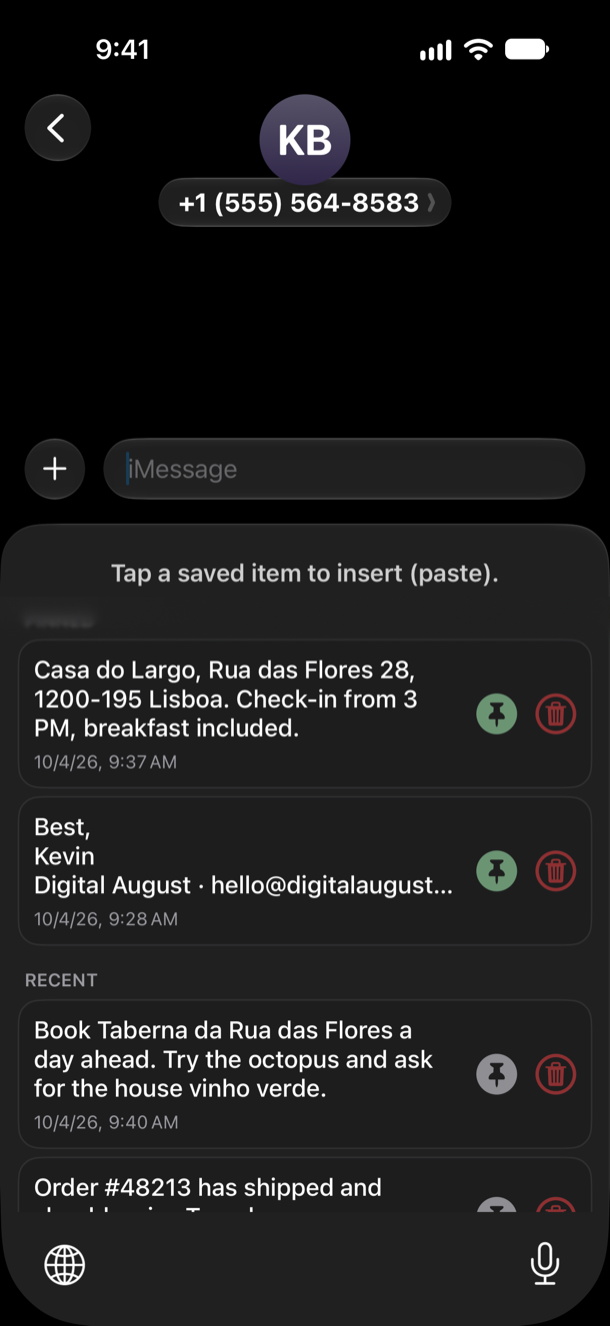
Pin frequently used clips for quick access and easily search your clipboard history.

Storage

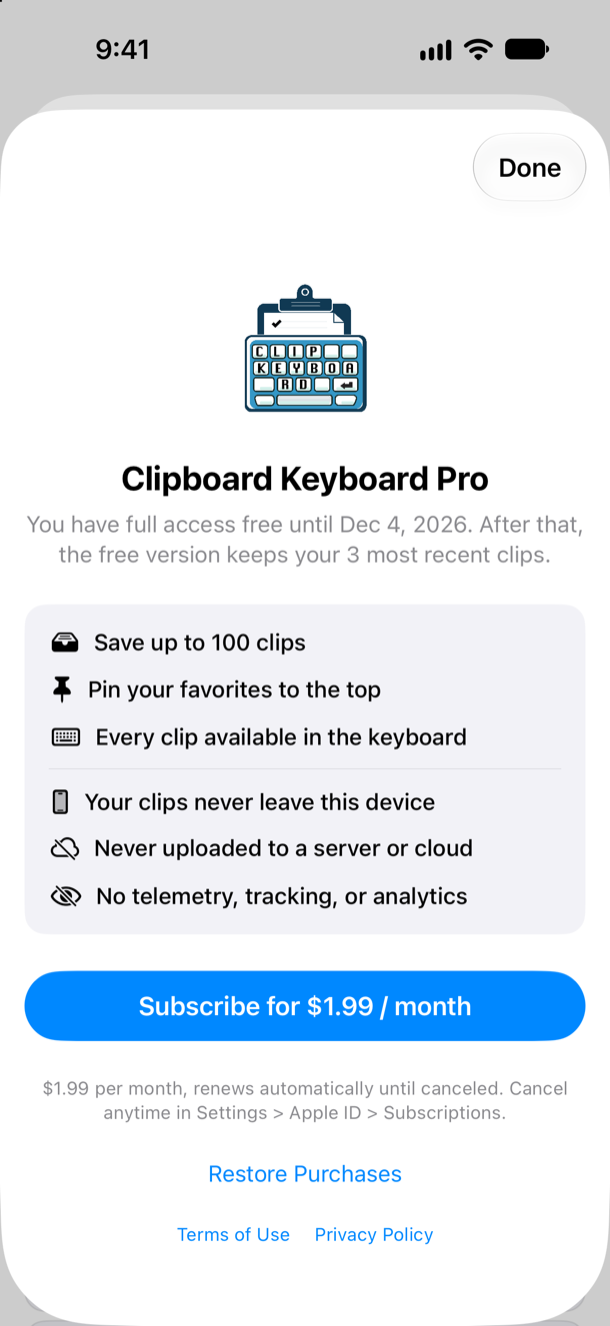
Store up to 100 clips, up to 1,000 characters each (about 10–12 sentences).

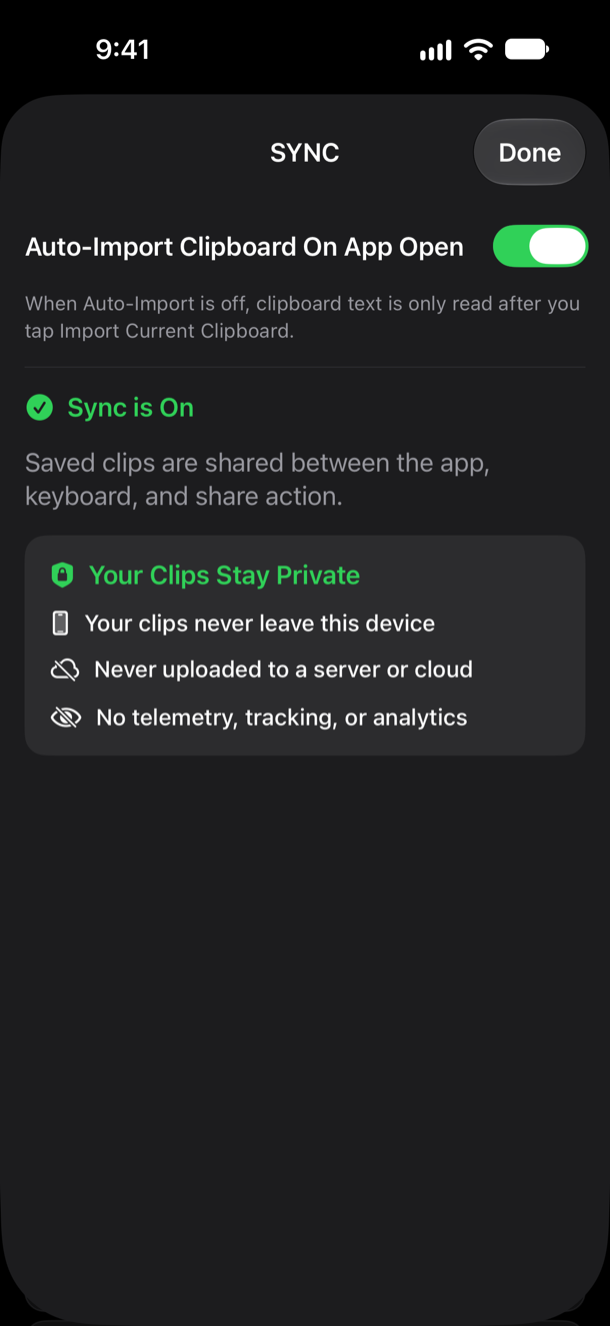
Seamless Sync

Seamless shared history across app, keyboard, and share extension using App Group storage.

Fast Performance

Optimized for fast performance and minimal memory usage.

- APP SCREENSHOTS -

Perfect for your daily use

- Privacy & More -

Perfect for replies, templates, links, and repeated snippets you use every day. We also prioritize your privacy above all else.
Secure On-Device Storage

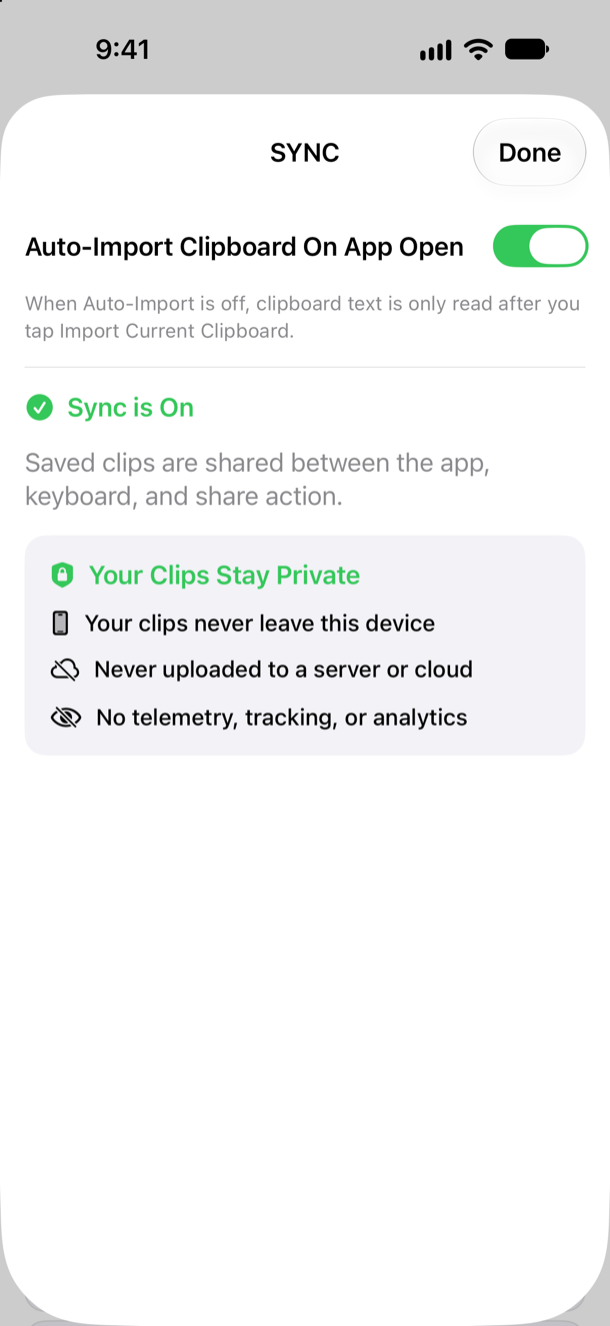
All clips are stored securely on‑device. Your data never leaves your phone.

No Tracking

No analytics, telemetry, or third‑party tracking. Your clipboard history is yours alone.

ClipboardKeyboard App Image

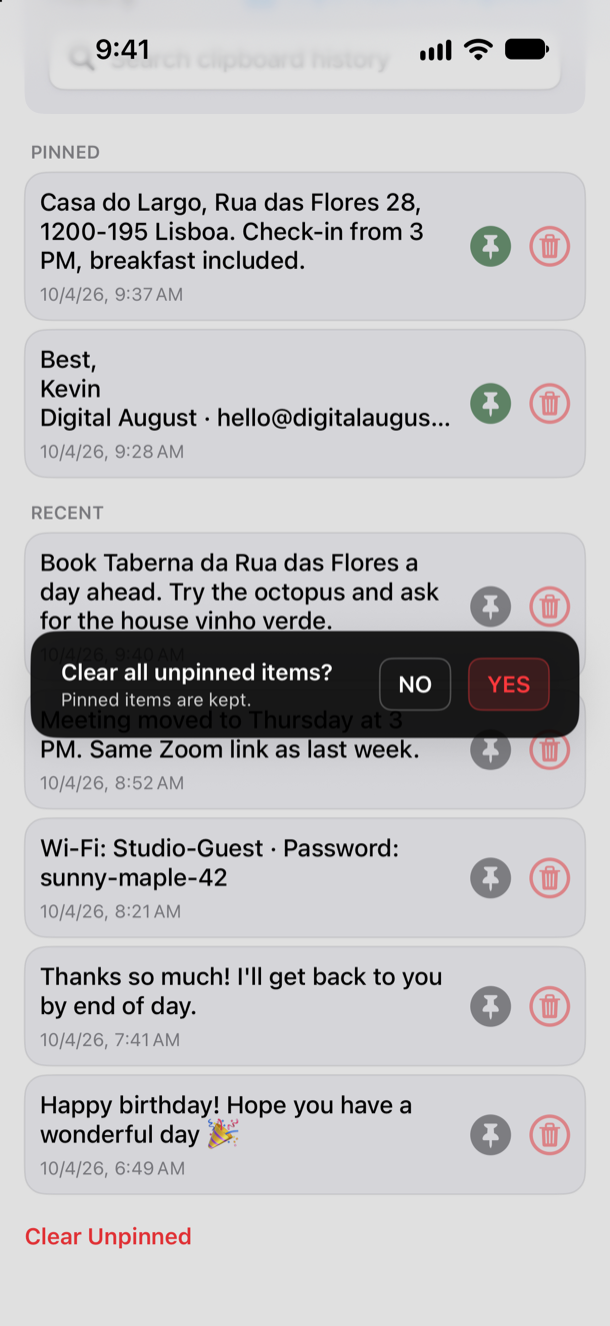
Quick Cleanup

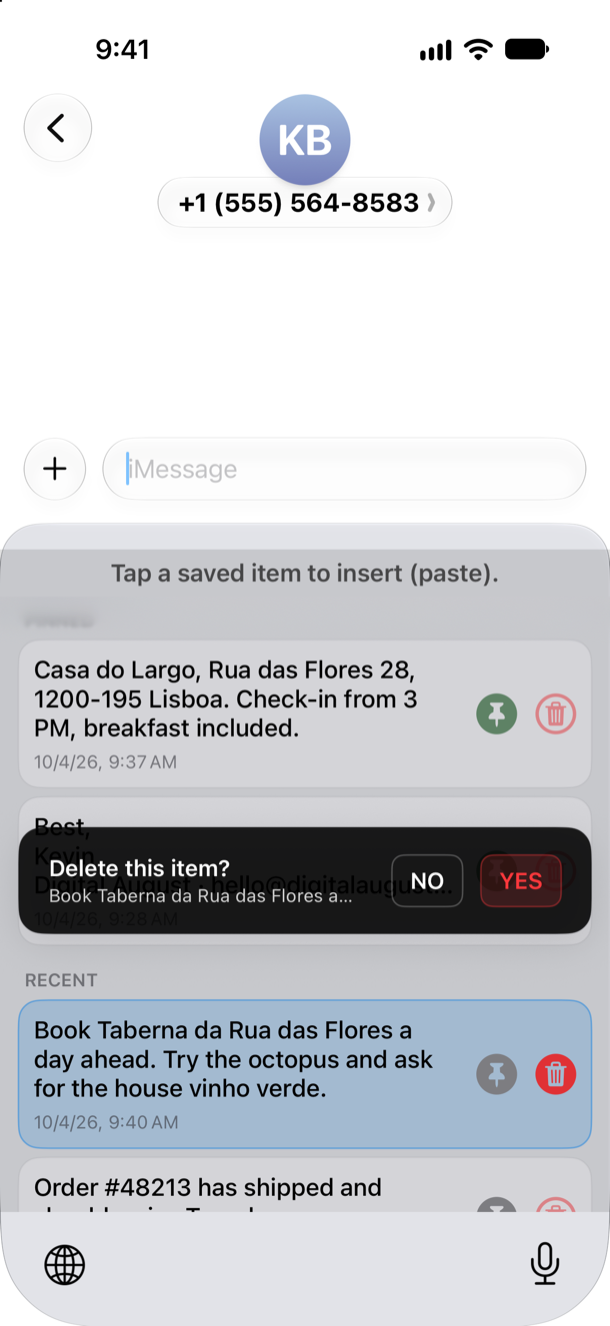
One‑tap deletion of all unpinned clips helps you keep your clipboard tidy.

Manual Import

Easily manually import your current clipboard into the app whenever needed.

Download The App On

App Store

- Privacy Policy -

Last updated: April 2026

ClipboardKeyboard prioritizes your privacy above all else. This Privacy Policy outlines our commitment to protecting your data.

Data Collection and Storage

  • Secure On-Device Storage: All of your text clips, links, and snippets are stored securely on your device. Your data never leaves your phone and is never uploaded to any external servers.
  • No Tracking: ClipboardKeyboard does not include any analytics, telemetry, or third‑party tracking frameworks. Your clipboard history is yours alone.
  • App Groups: The app uses standard iOS App Group storage to seamlessly share your clipboard history across the main app, the custom keyboard, and the share extension, strictly on your local device.

Information Sharing

Because we do not collect or store your data off-device, we do not have any information to share with third parties.

Contact Us

If you have any questions about this Privacy Policy, please feel free to reach out to us.

- Accessibility Support Statement -

ClipboardKeyboard is committed to providing an accessible experience for all users. We continually work to ensure that our application meets high accessibility standards so that everyone can easily save and paste their text.

Key Accessibility Features

  • VoiceOver Support: All interface elements within the main app and custom keyboard are labeled properly so they can be navigated using Apple's built-in screen reader.
  • Dynamic Type: Our app scales text sizes according to your device's global settings, making content easily readable.
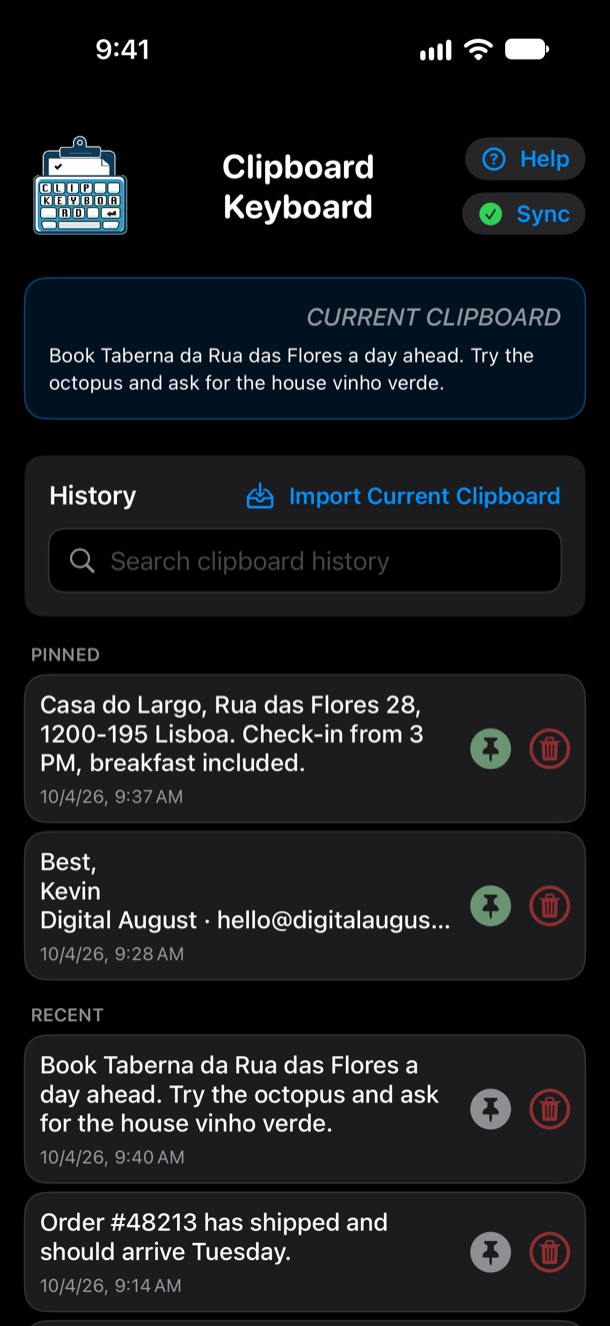
  • High Contrast & Themes: Both Light and Dark themes are supported, built with high contrast in mind to assist users with visual impairments.
  • Reduced Motion: We respect system-wide "Reduce Motion" settings by minimizing unnecessary animations.

Feedback

If you encounter any accessibility barriers while using ClipboardKeyboard, please contact us. We are always looking for ways to improve our app's usability.